












Why a funny cursor works
The cursor is the one thing on the screen you look at all the time, which makes it the best place for a small joke. A funny cursor does not need to be loud: a slightly surprised cat, a hand pointer that is a chicken, a Simpsons donut on a school portal. People notice it when you share your screen, and it is gone in one click when you need to be serious.
Every funny cursor on Cursor Style is a pair - the arrow and the hand pointer - drawn in the same style, so the joke holds when you hover a link. Nothing is downloaded: the free Chrome extension applies the cursor on every page you open.
Kinds of funny cursors

Meme cursors
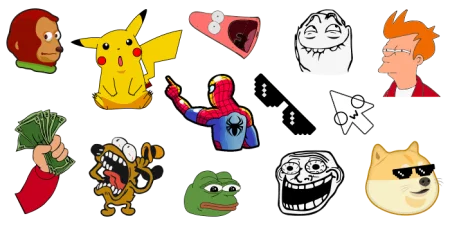
The faces and moments everybody knows, cut into a cursor. The Memes collection is one of the most opened on the site.

Silly animals
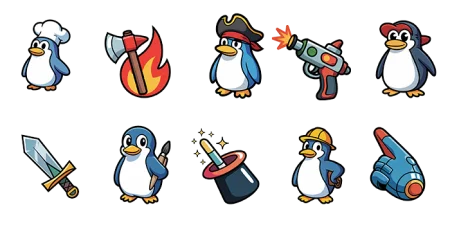
Funny Animals, Pusheen, penguins with professions, dogs with opinions - animals that point, wave and stare.

Cartoon chaos
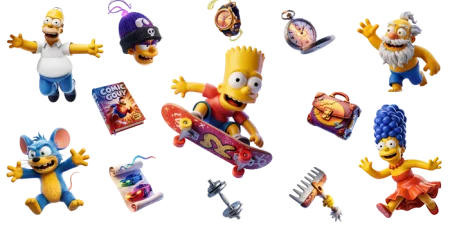
SpongeBob, The Simpsons, Family Guy, Rick and Morty, Despicable Me minions - the characters that were funny before they were cursors.

Pranks
A cursor that looks broken, a pointer that looks like a fly, a tiny hand that is always waving - for the friend who leaves their laptop unlocked.
The classic cursor prank, done nicely
Because Cursor Style needs no files and no settings, it is the harmless version of the cursor prank: apply a cursor from the Pranks collection on a friend's Chrome, watch them try to click a fly, then switch it back from the extension icon. Nothing is installed on the computer and nothing needs cleaning up.
How to get it in three steps
-
Add Cursor Style to Chrome from the Chrome Web Store. It is free and takes one click.
-
Pick a cursor on this page or in any collection - or search for a character by name.
-
Press Apply. The cursor changes on every page you open; switch to another one or add a trail effect whenever you like.








 1,527
1,527


