












What a cute cursor looks like
Cute cursors share a look: soft pastel colours, round shapes, a small face or a paw, and a hand pointer drawn to match. The best ones stay readable - you can still tell where the tip of the arrow is - while being far nicer than the default pointer. On Cursor Style every cursor is a pair, the arrow and the pointer, so hovering a link keeps the style instead of dropping back to the system hand.
Because the cursor is applied by the free Chrome extension, it shows on every page you open - Google Docs, YouTube, Roblox, your school portal - and the system cursor on the desktop stays untouched. That is also why it works on Chromebooks, where the system cursor cannot be changed at all.
Kinds of cute cursors

Kittens, puppies, pets
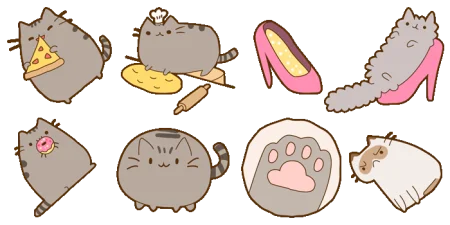
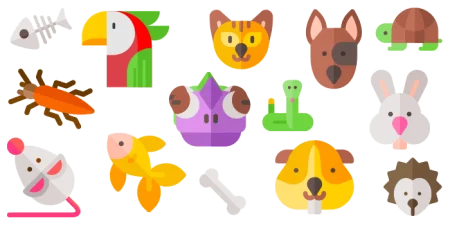
Pusheen, Cute Animal, Pets, Funny Animals - paws, ears and small faces that follow your mouse.

Unicorns, hearts, magic
Mystic Unicorn, Glitter, pastel hearts and stars - the sparkly side of the library, best with a Sparkle Stars effect.

Characters
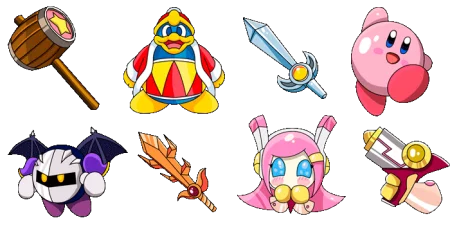
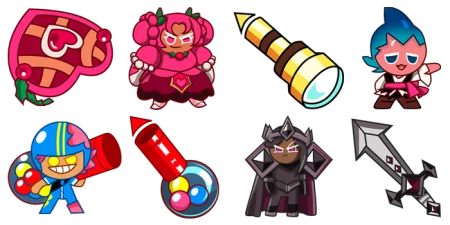
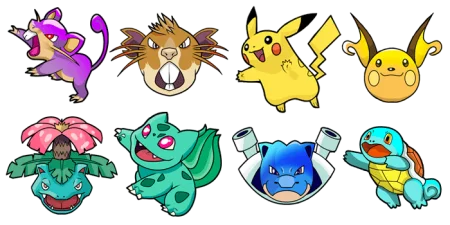
Hello Kitty, Labubu, Kirby, Cookie Run, Pokemon, Frozen, L.O.L. Surprise - the characters people search for most.

Soft pastels
Minimal pointers in lavender, mint, peach and baby blue for anyone who wants cute without a character.
Match the cursor to the rest
A cute cursor looks best as part of a set. Pair a pastel cursor with a Rainbow Hearts or Bubble effect from the extension, keep the size a notch above default so the details show, and pick a collection - Hello Kitty, Pusheen, Labubu - so the arrow and the hand pointer are drawn by the same hand.
How to get it in three steps
-
Add Cursor Style to Chrome from the Chrome Web Store. It is free and takes one click.
-
Pick a cursor on this page or in any collection - or search for a character by name.
-
Press Apply. The cursor changes on every page you open; switch to another one or add a trail effect whenever you like.






 5,261
5,261


